Select your device
Mouse Configurator
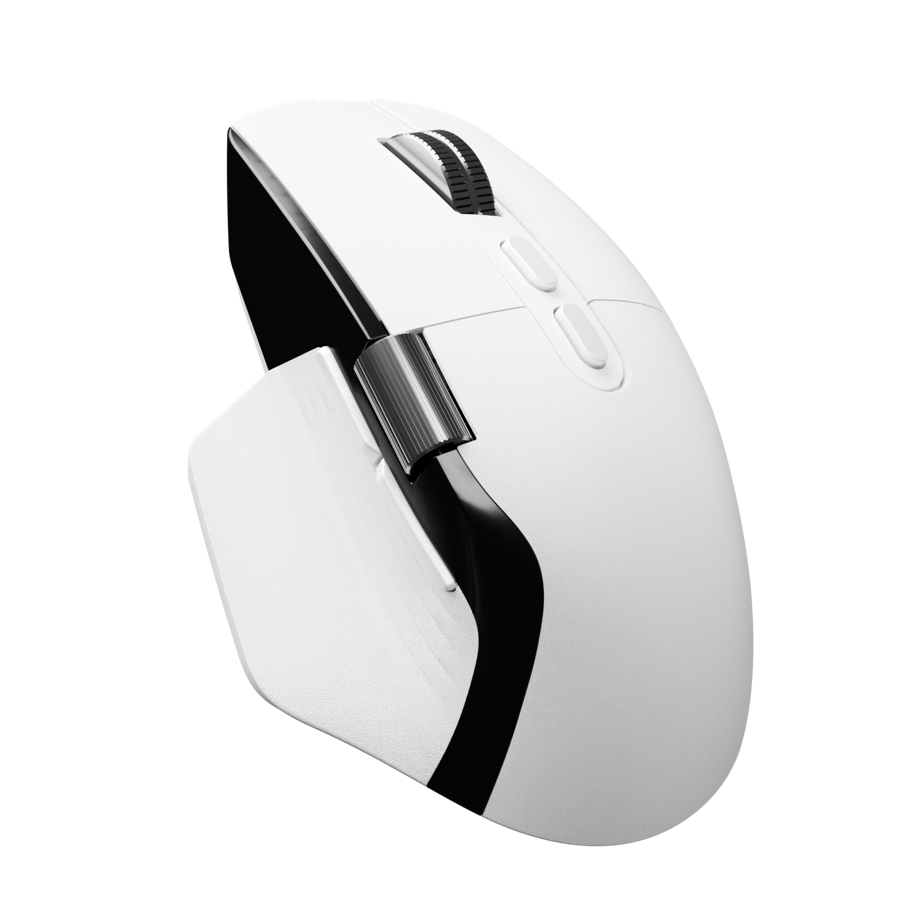
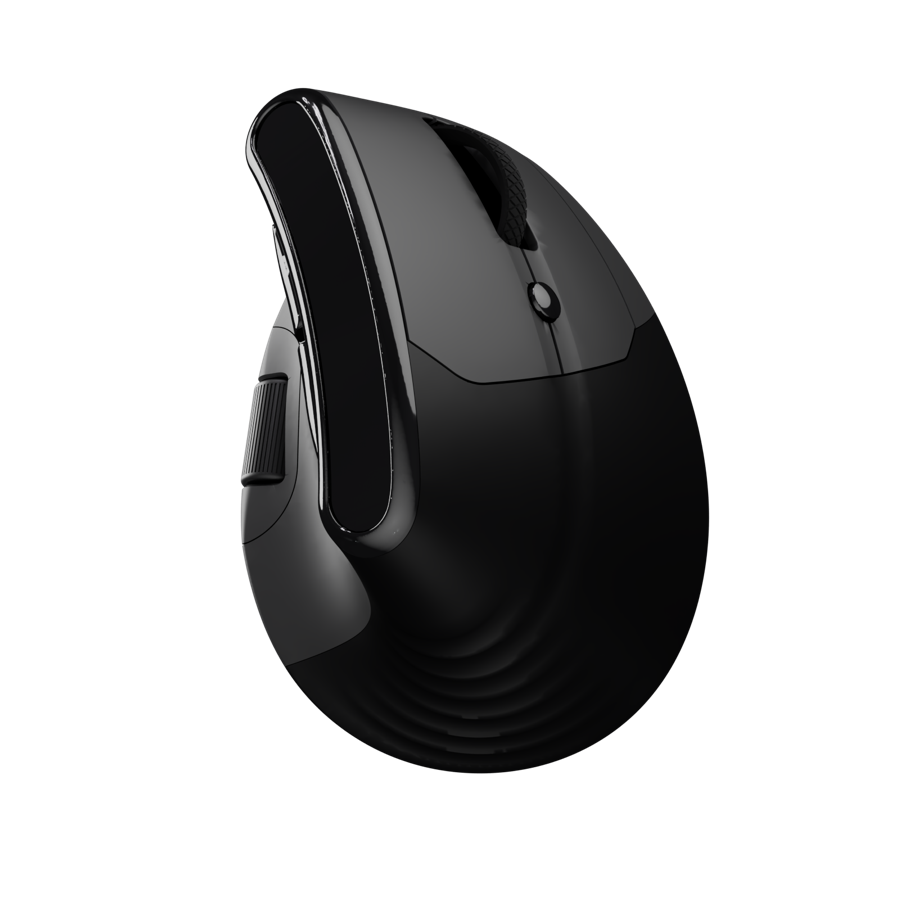
Choose your AirKeys mouse to open its custom software. Customize DPI, buttons, lighting, polling rate and more — saved directly to your mouse.
Before you connect
- Use Google Chrome or Microsoft Edge (Safari and Firefox are not supported).
- Connect the mouse with its USB-C cable — configuration requires a wired connection.
- Mac users: the first time, grant your browser Input Monitoring access
(System Settings → Privacy & Security → Input Monitoring → enable Chrome/Edge), then fully quit and reopen the browser.